

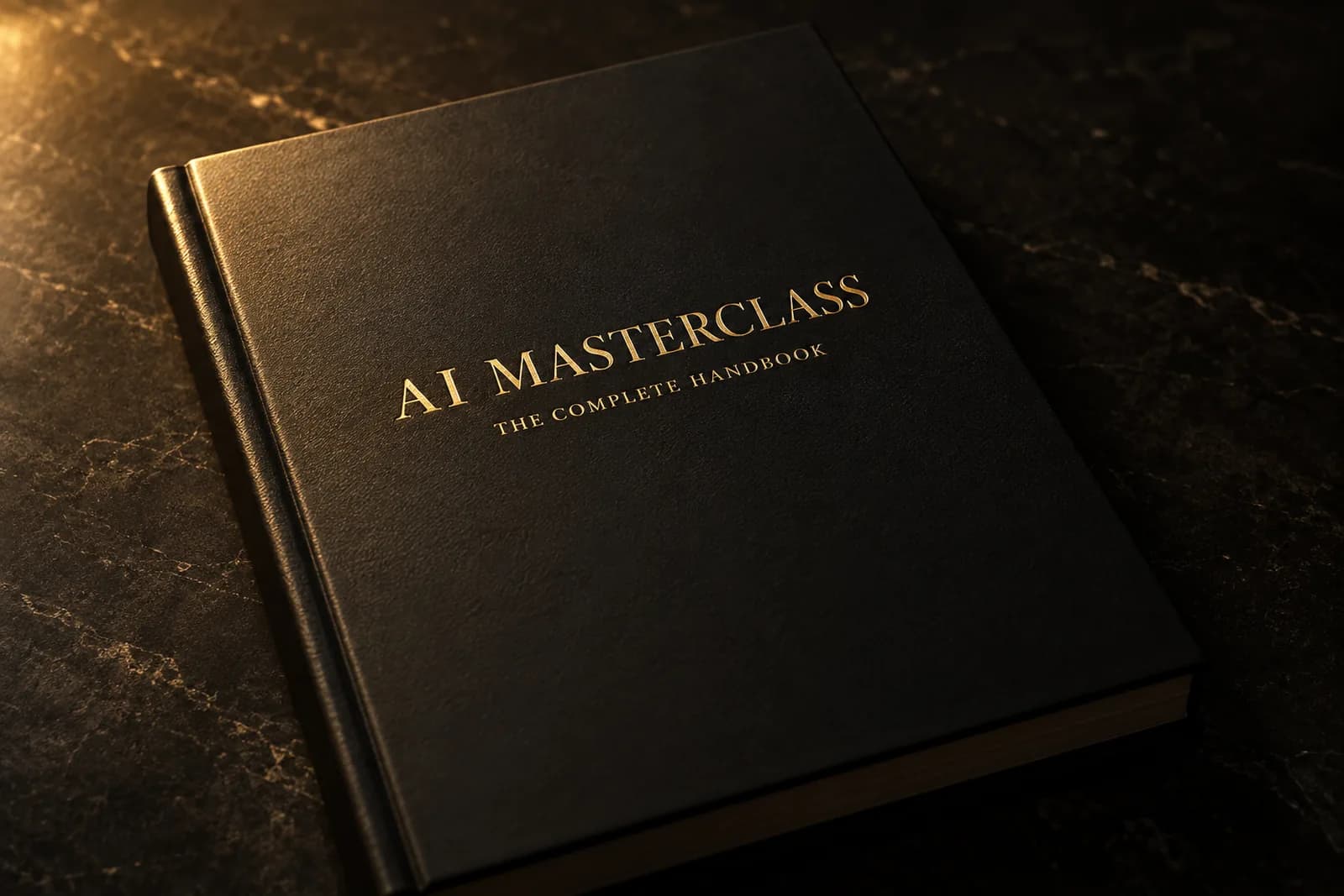
The complete handbook
- 71 pages
- All 40 lessons
- Windows and Mac
- Every click written down
Downloads the moment you buy. Each lesson is a few pages: what you are doing, the exact words to type, and what the screen should look like when it worked.
Six modules, 40 lessons, and two hours one-to-one with us. Build and publish your own website — no coding, no experience needed.
About $60 an hour of training. Yours to keep.
Get instant accessLifetime access · Pay once · 14-day refund · full if unused, half if you've used it
Lesson 18 · The kickoff: a real multi-page site
The path
Your first page, live on a real URL you can send to someone.
Open a terminal · Install Claude Code · Your first webpage, one sentence at a time
Requests that land the first time, and feedback the AI can actually use.
The 5-part prompt · “Ask me questions first” and other power moves · Your prompt notebook
A four-page site with your words, your photos, and a contact form that reaches you.
Plan on paper before you type · The kickoff: a real multi-page site · A contact form that actually emails you
Colour, type, a logo, and the sections that turn a visitor into a customer.
Colors and fonts that feel like you · Sections that sell · The pre-launch checklist
Your own domain, the padlock, and a listing people find on Google.
Buy your domain · Connect the domain to your site · Get found on Google
A way of planning bigger things, and a 90-day plan so the skill sticks.
Think like an architect — the one-page spec · The restart rule, and the three safety commandments · Your 90-day plan
40 lessons · 5 hours of material · every click written down for Windows and Mac
What you get
Downloads the moment you buy. Each lesson is a few pages: what you are doing, the exact words to type, and what the screen should look like when it worked.
Book it after you buy. We build alongside you and unstick whatever is stuck — usually the step between “it works on my computer” and “it is live on my domain”.
The handbook is yours to keep. When the recorded video course lands, it is included at no extra cost.
When you finish
Not a mockup. A multi-page site you built, live on the internet, that you can send to anyone.
You buy it, you point it at your site, and you know how it was done — no agency in the middle.
Editing your own site stops being frightening. You update it, break it, and put it back.
Prompting that gets useful answers, and the three safety rules that keep a build from going sideways.
Said plainly
A paid Claude plan
About $20 a month, paid to Anthropic, not to us. Lesson 3 walks you through signing up.
A Windows PC or a Mac
Every lesson gives both sets of steps.
About five hours, and your own words
Your business name, what you do, a few photos. The AI writes nothing about you that you did not tell it.
No coding, no experience
Lesson 1 is called “Open a terminal”. It starts there on purpose.
OrderAI Website Masterclass
14 days, and access ends with it. Barely touched it? Email us within 14 days and we refund you in full. Already worked through the material? Then it did its job — we refund half, and access closes. Refunds end access to the handbook and your licence key. Card handled by Stripe — we never see your details.
Questions
No. The first lesson shows you where the terminal is and what it looks like, and every step after that is written out click by click for Windows and Mac. If you can follow a recipe, you can follow this.
Three things: the 71-page handbook as a PDF, your access key, and the link to book your two-hour one-to-one session. All of it is in the confirmation email and on the page you land on after checkout.
You share your screen and we build alongside you. Most people use it to get from a site that works on their computer to one that is live on their own domain, but it is your two hours — bring whatever is stuck. There are four places a month, booked after you buy.
A paid Claude plan, about $20 a month, which is what Claude Code signs in with. And when you go live, a domain — usually $10 to $15 a year. Lesson 32 walks you through choosing and buying one. Hosting, as taught, is free.
Not yet. It is a written handbook, which is what lets every click be written down exactly. The recorded video course is being made now and is included in your purchase, at no extra cost, when it lands.
Fourteen days. If you have barely touched it, we refund you in full. If you have already worked through the material, we refund half — you had the value. Either way a refund closes your access to the handbook and your licence key.